Planning & How-To
How to Create and Manage a Find a Grave Memorial for a Loved One
Find a Grave is the largest public record of American graves. How to search for an existing memorial, create one, add photos and the plot, request a headstone photo, and take over management of a memorial someone else made.
Find a Grave began as a hobby site for locating famous graves and became, through millions of volunteer contributions, the most complete public record of where Americans are buried. A memorial there is how distant relatives, future genealogists and, often, delivery Runners find a grave. If your loved one does not have one, making it takes twenty minutes.
Step 1: Search first
Volunteers photograph whole cemeteries and create memorials from obituaries, so there is a good chance one already exists. Search by name, with a death year if you have it, and check the cemetery. Duplicate memorials are the site's biggest problem; if one exists, improve it rather than making another.
Step 2: Create the memorial
With a free account, choose "Add a memorial", select the cemetery (search by name and town; if the cemetery itself is missing, it can be added), and enter the name, birth and death dates, and any biography. The biography can be the obituary, a paragraph, or nothing; it can be edited later. Save, and the memorial has a permanent ID and URL.
Step 3: Add the plot and the photos
- Plot: section, lot and grave, in the Plot field. This is what makes the memorial useful to anyone trying to find the grave. Our guide to finding a grave explains how to get these from the cemetery.
- GPS: the app can capture the location at the graveside, which puts a pin on the cemetery map.
- Headstone photo: the single most valuable addition. Take it straight on, in even light, with the inscription legible. If you cannot get there, use "Request a photo" and a local volunteer will take one, usually within a few weeks.
- Portrait: a photo of the person, which becomes the memorial's main image.
Step 4: Link the family
Memorials link to each other: parents, spouse, children, siblings. Adding those links turns a single record into a family tree that genealogists, including your own descendants, will follow. Search for each relative's memorial and add the link from the edit page.
Managing a memorial someone else made
If a volunteer created your relative's memorial, you can ask to manage it. Find a Grave's rules give priority to close family; use "Suggest edits" or the transfer request on the memorial, explain the relationship, and the volunteer will normally transfer it. Once you manage it you can edit everything, approve others' suggested edits, and add photos.
Flowers on Find a Grave
Visitors can leave virtual flowers and notes on a memorial. They are a kind gesture and cost nothing, and many families appreciate them. They are not, of course, flowers at the grave. For that, the memorial is the starting point: a BloomBridge Runner uses the cemetery, plot and headstone photo from Find a Grave to locate the grave and place real flowers, and the delivery photo goes on your BloomBridge memorial page, which many families link from the Find a Grave memorial.
Have a Find a Grave link for the grave? Paste it when you order. It is often all a Runner needs to find the grave and place the flowers, with a photo sent back to you. See how delivery works.
A few conventions
- Use the name on the headstone as the primary name, with maiden names in the field provided.
- Do not create memorials for living people; the site removes them.
- Be generous with photo permissions; the photos are why the site works.
- Check back occasionally. Volunteers and relatives add information over the years, and suggested edits wait for the manager's approval.
Placed at the grave by a local Runner
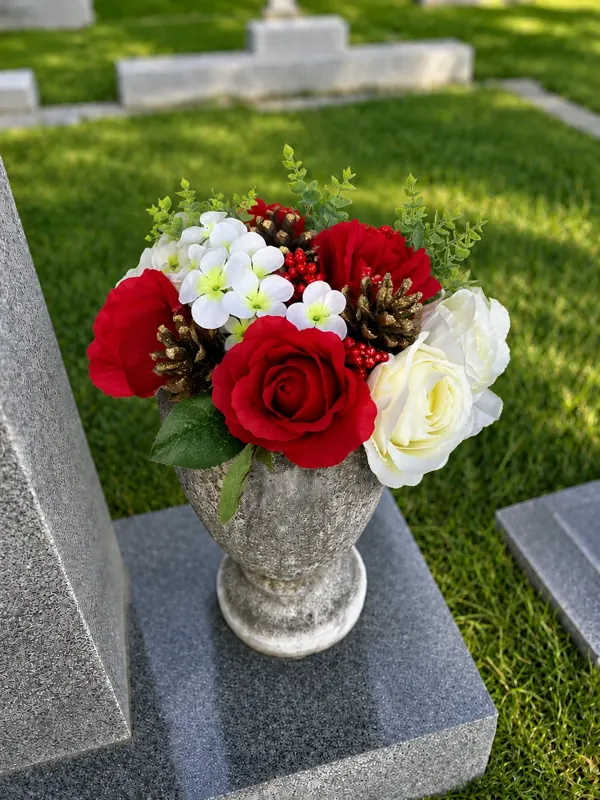 Holiday Arrangement
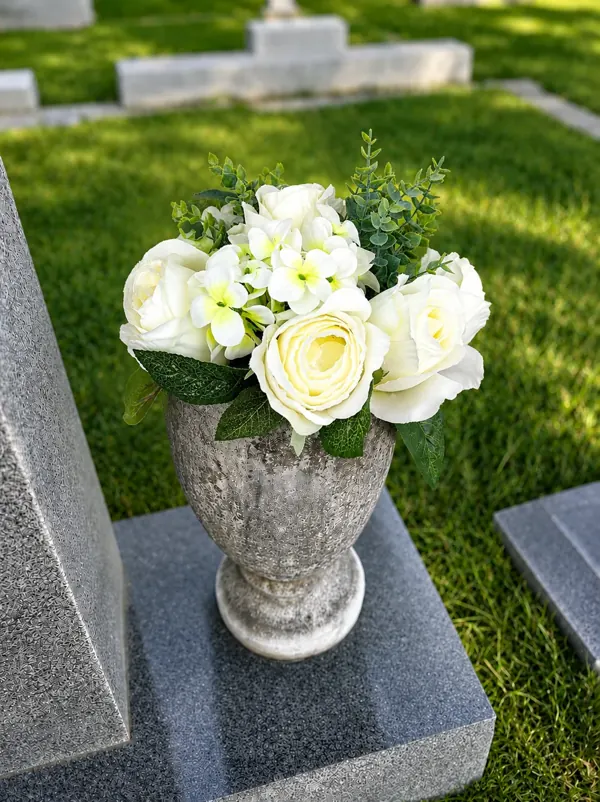 White Roses & Hydrangeas
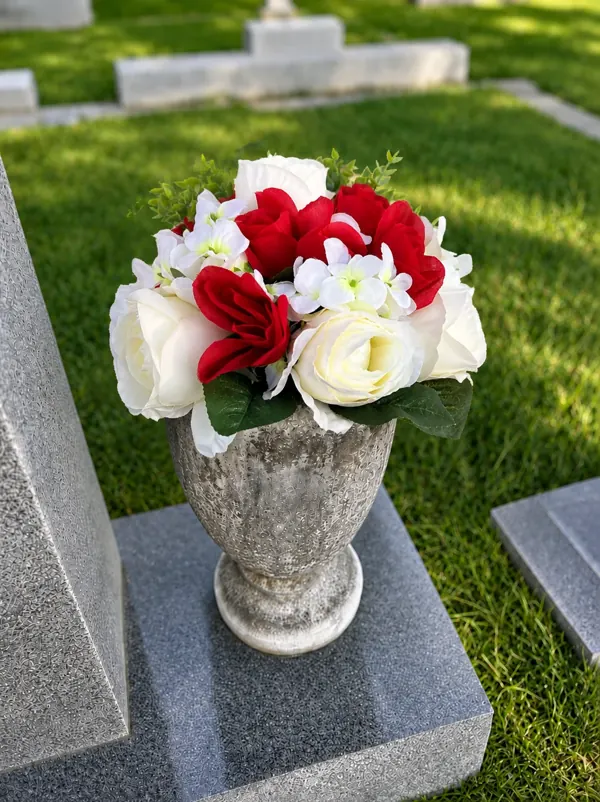 Red & White Roses
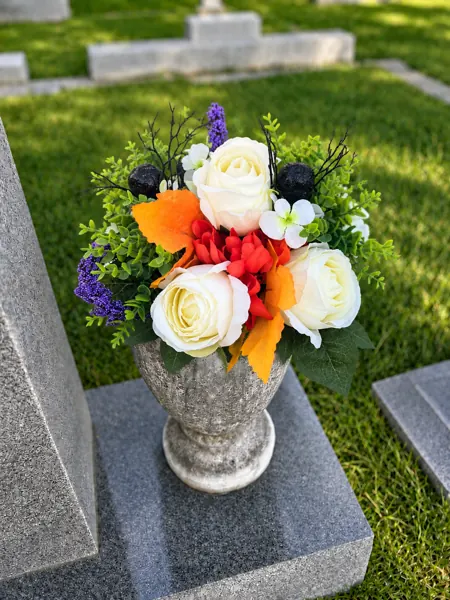 Halloween Arrangement
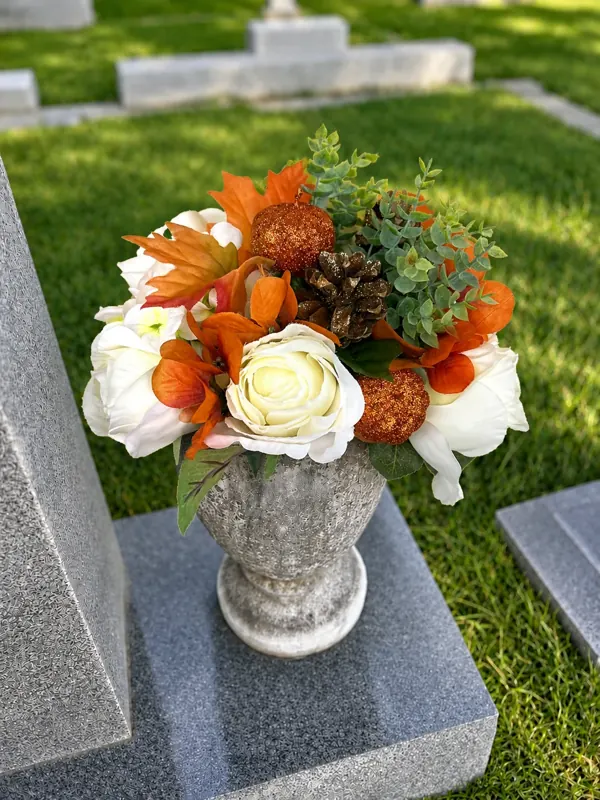 Fall Arrangement
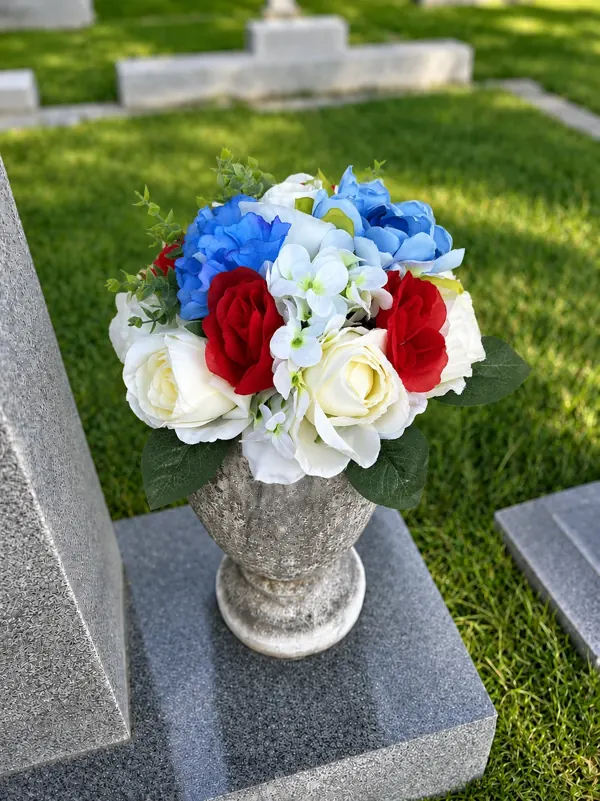 Red, White & Blue
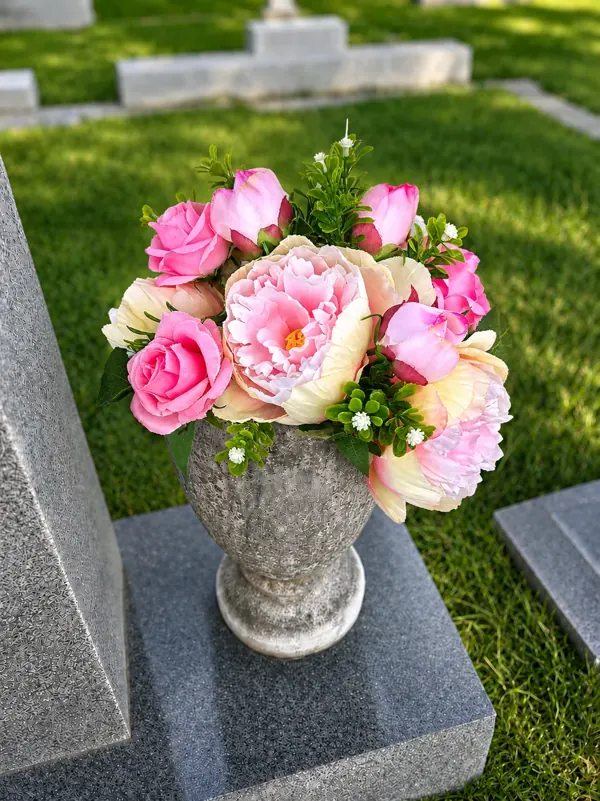 Pink Roses & Peonies
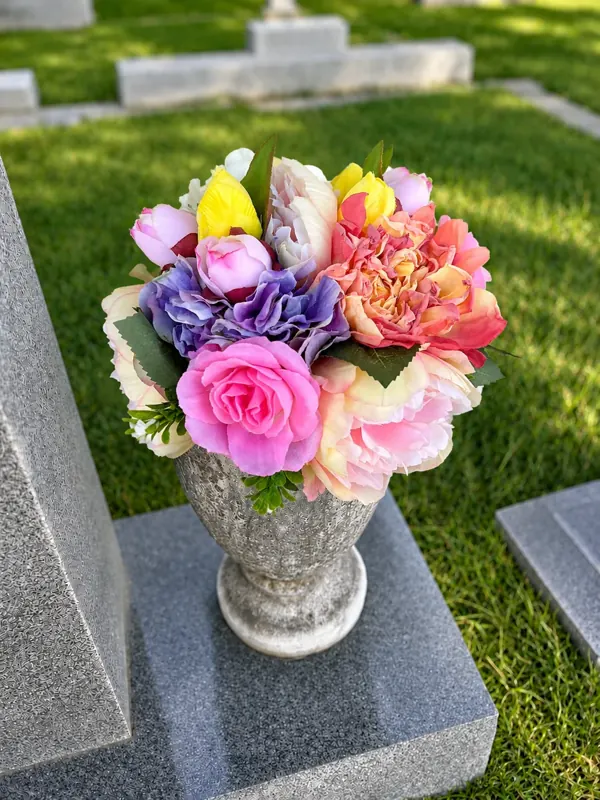 Pastel Multicolor
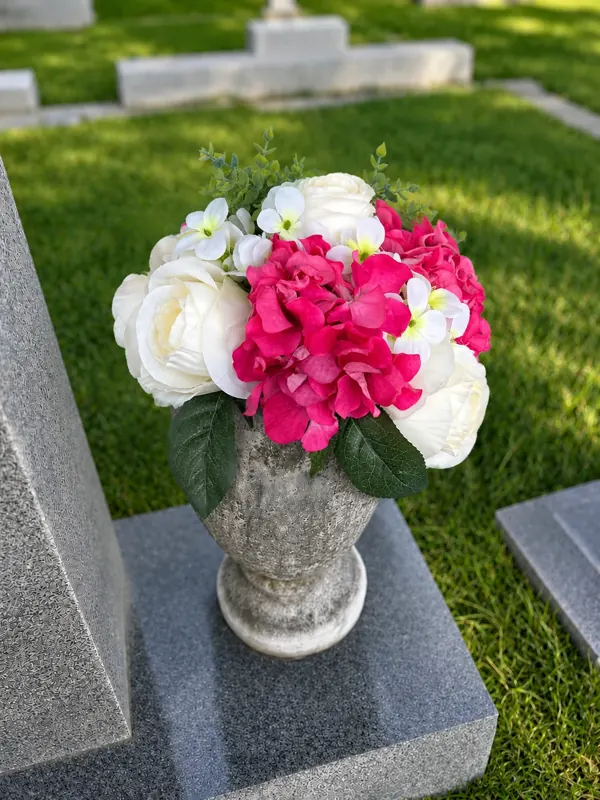 Hot Pink & White Roses
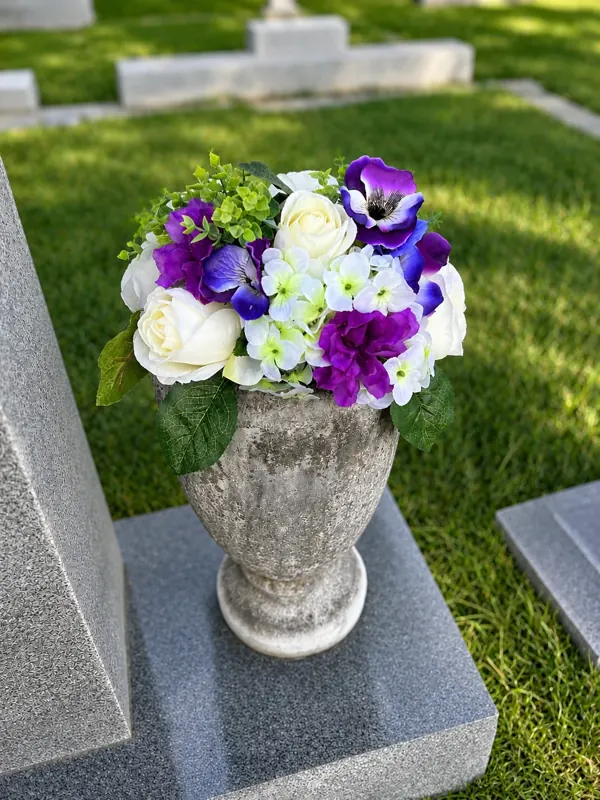 Purple Arrangement
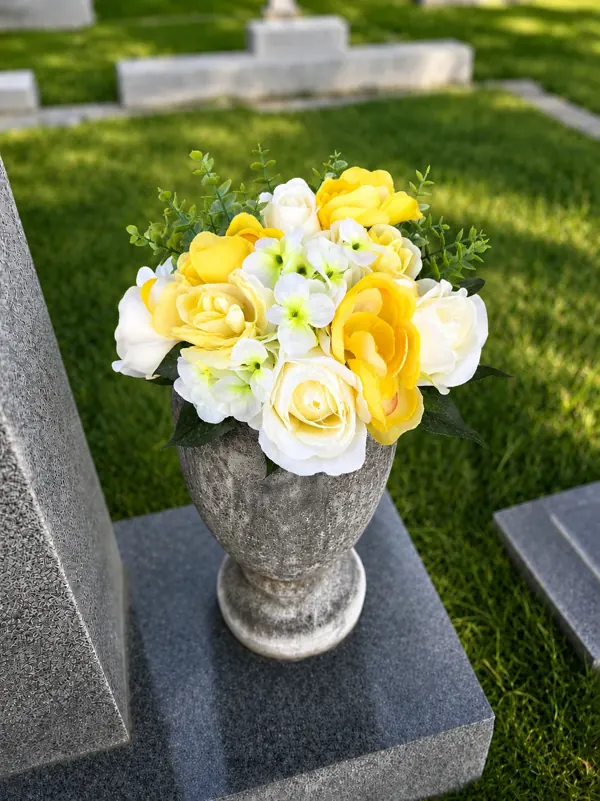 Yellow Arrangement
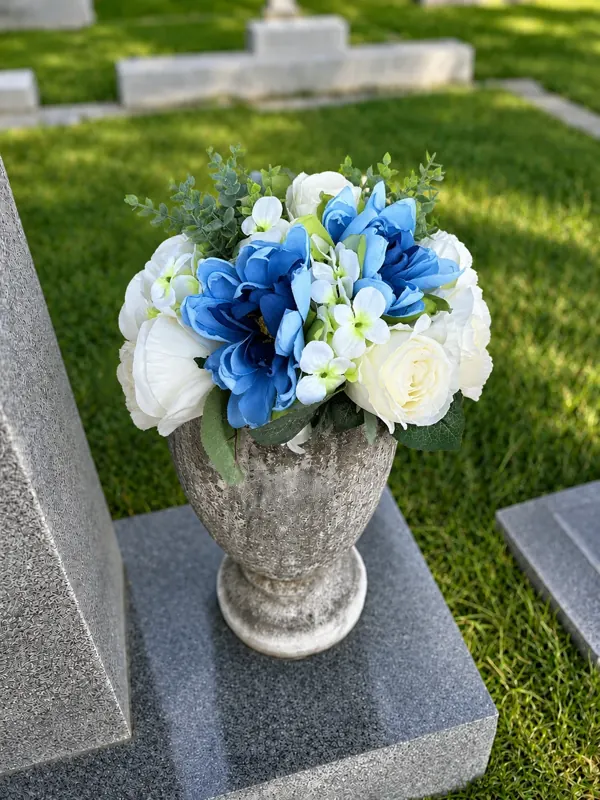 Blue Arrangement
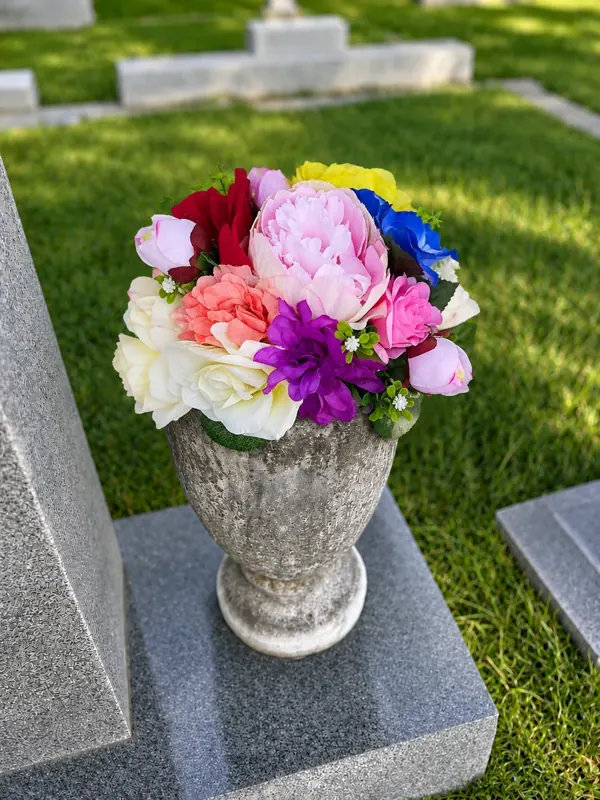 Birthday Arrangement
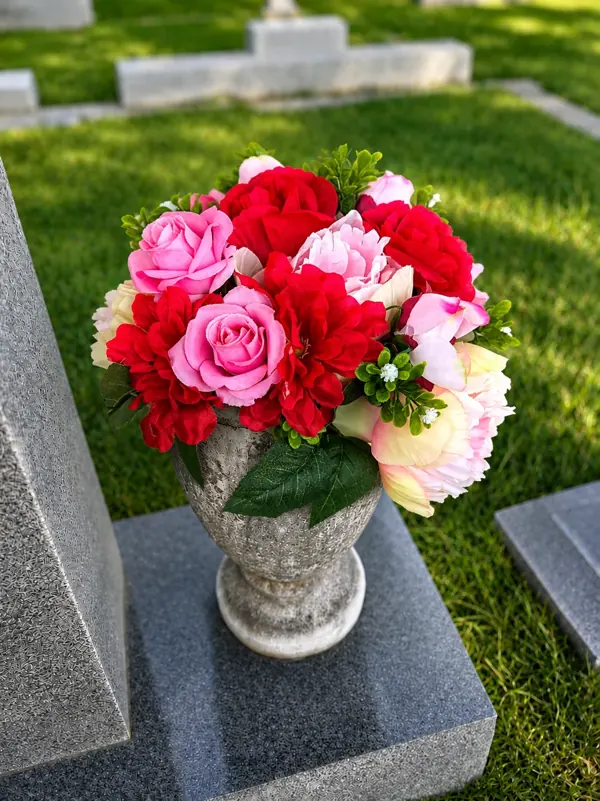 Always My Valentine
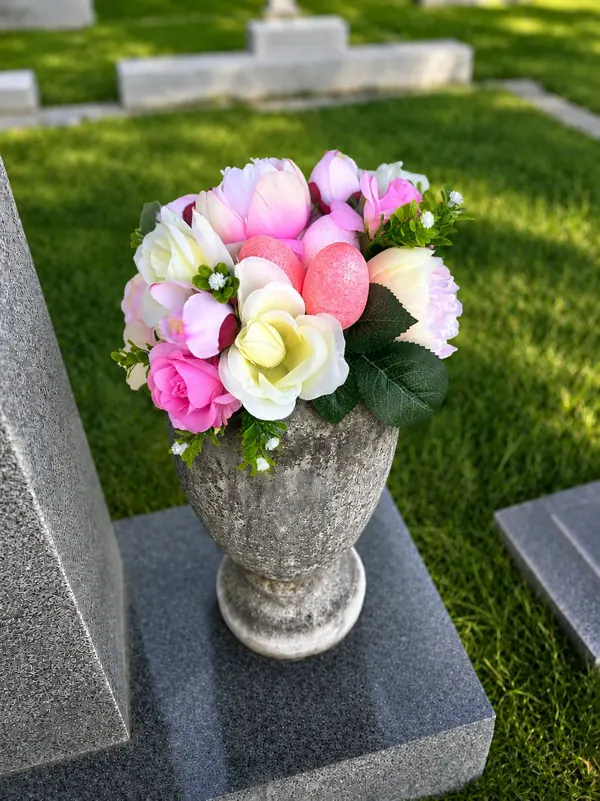 Easter Arrangement
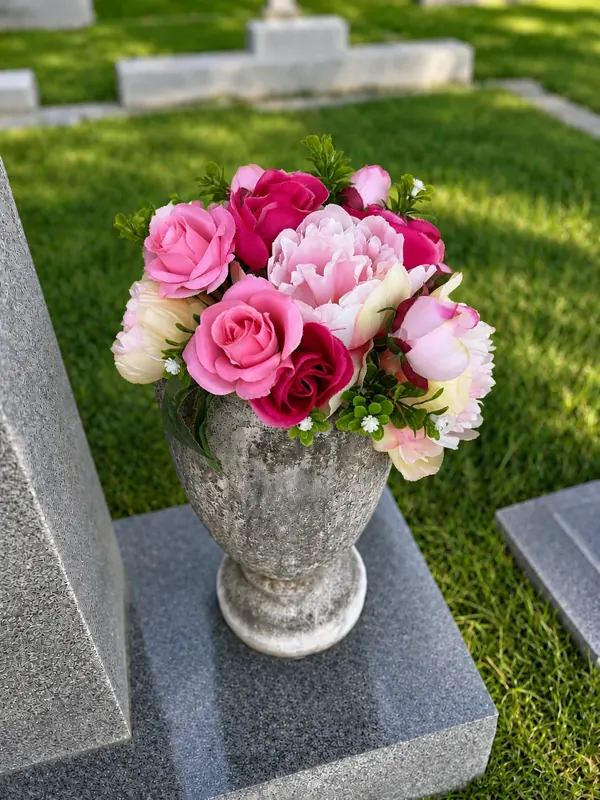 Breast Cancer Awareness
Grave flower delivery to any cemetery in all 50 states · find yours by state
Flowers at the grave, wherever it is
A local BloomBridge Runner places a hand-crafted arrangement at any cemetery in all 50 states and sends you a photo of it in place.
Send FlowersFrequently asked questions
Yes. Creating an account, adding memorials, photos and plot information, and requesting a headstone photo are all free. The site is owned by Ancestry and supported by volunteers.
Use "Request a photo" on the memorial. A local volunteer photographs the stone, usually within a few weeks. A BloomBridge delivery also produces a photo of the grave.
Yes. Close family have priority. Send a transfer request from the memorial explaining your relationship and the volunteer will normally hand it over.